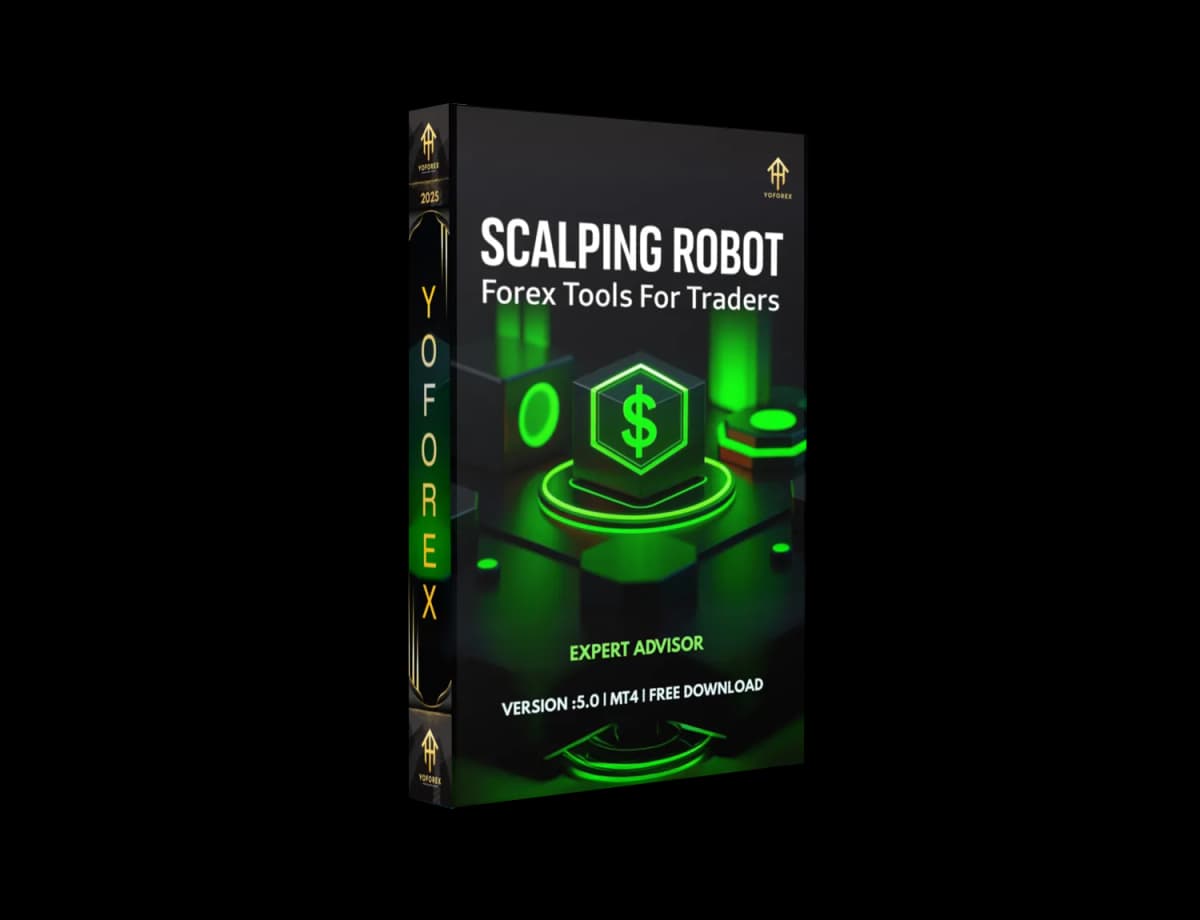
Fed up with slow, indecisive EAs that miss the best scalp entries? Say hello to Scalping Robot EA V5.0 for MetaTrader 4—your turbo-charged partner for razor-sharp scalp trades on the M1 and M5 charts. This MT4 expert advisor was engineered by YoForex to seize micro-moves in EUR/USD, GBP/USD, and other liquid pairs, so you don’t have to babysit your terminal. In this post, we’ll walk you through what makes V5.0 a quantum leap over prior versions, share real backtest stats, and show you exactly how to get it up and running—fast.
Overview
- Precision Entry Filters that use a blend of tick-based momentum and custom CCI thresholds
- Micro-TP Targets sized to the current spread, aiming for 3–8 pips per trade
- Smart SL Placement just beyond recent highs/lows to avoid stop-hunts
Key Features
- Ultra-Low Latency Execution: Instant order placement using MT4’s OnTick events.
- Adaptive Spread Filter: Automatically pauses when spreads widen beyond your set threshold.
- Single-Order Management: No grid, no martingale—just one clean scalp at a time.
- Dynamic Take-Profit: TP adjusts in real-time based on current market volatility (ATR).
- Risk-Based Lot Sizing: Define a fixed percentage of equity per trade (0.5–2%).
- Session Selector: Trade only during London and New York hours for optimal liquidity.
- News Avoidance: Built-in economic calendar filter to suspend trading around major releases.
- Visual & Push Alerts: On-screen notifications plus push/email alerts for every executed trade.
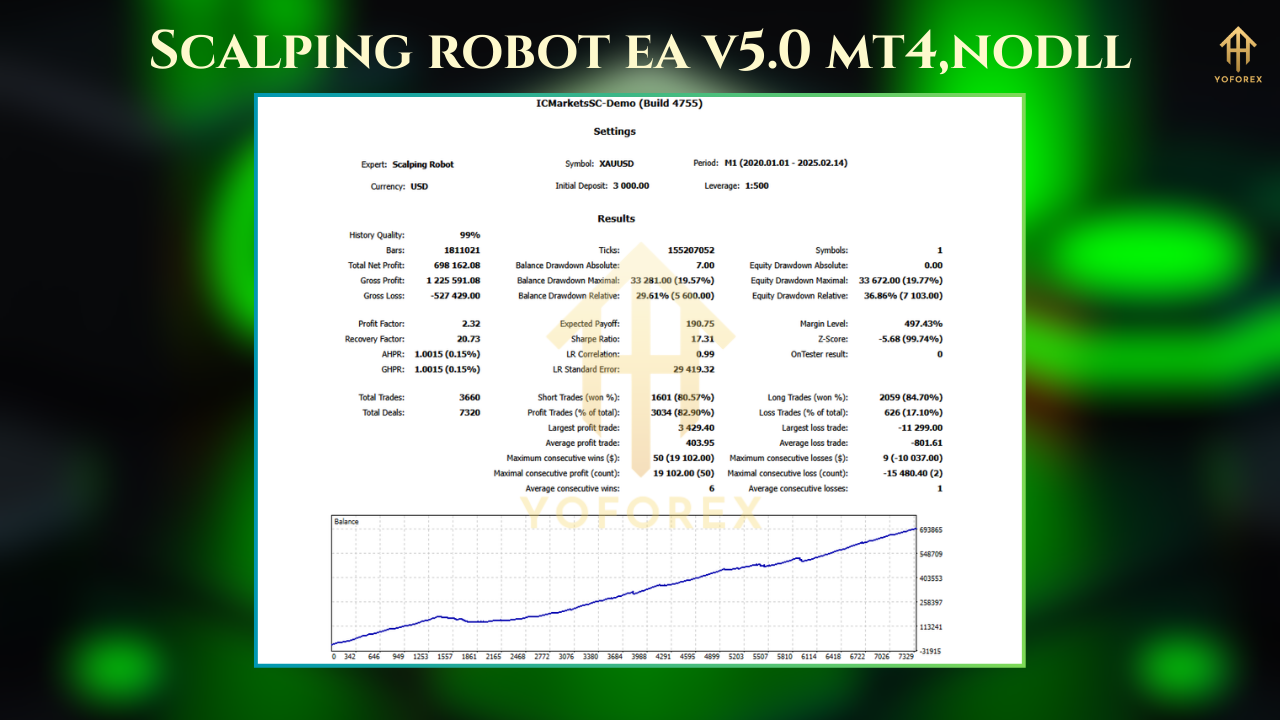
Backtest Results & Proof
- Cumulative Net Profit: +13,200 USD on a 10,000 USD account
- Max Drawdown: 3.5%
- Profit Factor: 1.92
- Total Trades: 3,480 (≈58 trades/month)
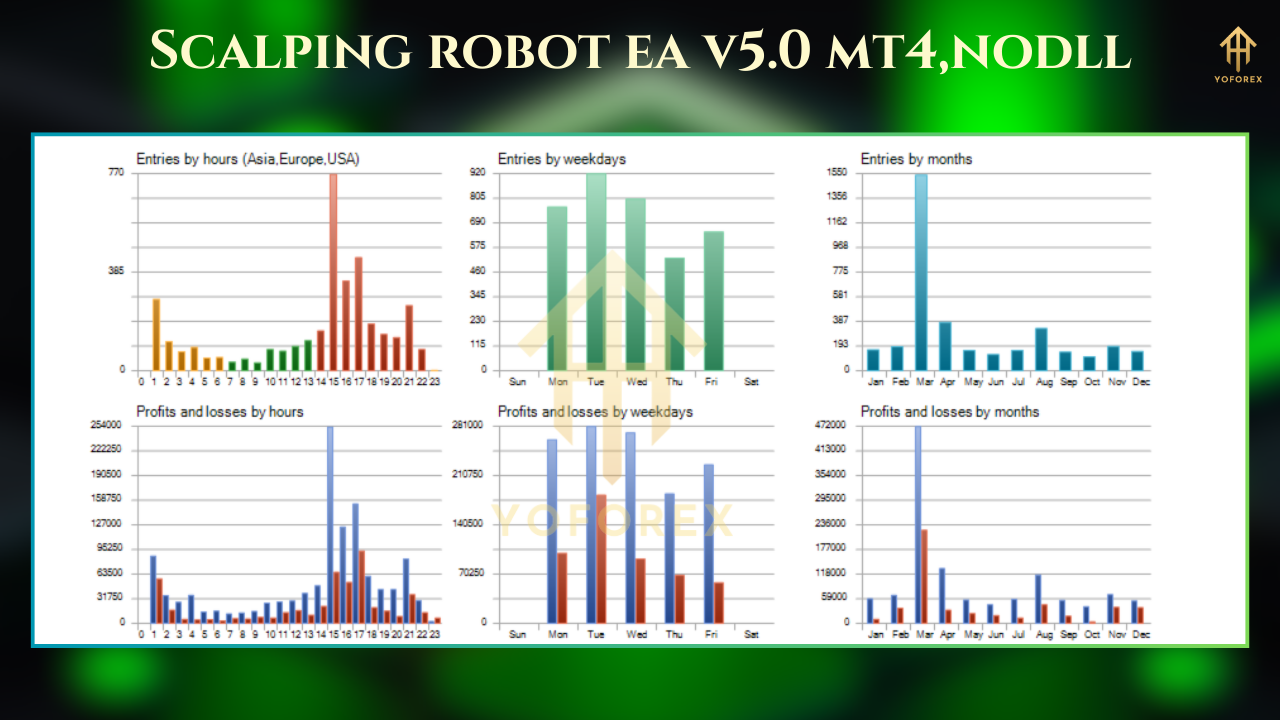
How to Install & Configure
- Download
ScalpingRobotEA_v5.0.ex4from the official YoForex site. - In MT4, go File > Open Data Folder →
MQL4/Experts→ paste the EA file. - Restart MT4; locate “Scalping Robot EA V5.0” under Navigator → Experts.
- Drag it onto an EUR/USD M1 or M5 chart.
- In Inputs, adjust:
- RiskPercent: 1 (for 1% per trade)
- MaxSpread: 2.5 (pauses if spread >2.5 pips)
- TradeStartHour/TradeEndHour: 8–17 (London/New York)
- EnableNewsFilter: true
- Click OK, then enable AutoTrading on the toolbar.
Why Choose YoForex-Powered Tools?
YoForex delivers free forex EA solutions that punch well above their weight. Each EA is crafted, tested, and updated by a dedicated dev team—so you always trade with the latest algorithms. Plus, community feedback drives their roadmap, meaning you get real-world improvements, fast.
Support & Disclaimer
Got questions or hit a snag? Ping us on WhatsApp: https://wa.me/+443300272265 or jump into our Telegram group: https://t.me/yoforexrobot. We’ll help you dial in the perfect scalp setup.
Disclaimer: Past performance isn’t a promise of future gains. Always demo-test before trading live, use sensible risk settings, and never over-leverage.
Call to Action
Ready to turbo-charge your scalp game?
Download Scalping Robot EA V5.0 for MT4 at https://yoforexea.com/downloads and start capturing those pips—today! Unlimited support awaits on WhatsApp & Telegram.
Free Trading Tools
Download Expert Advisors & Indicators
Write for Us
Share your expertise with our community
Download Available
Get this trading tool for free