
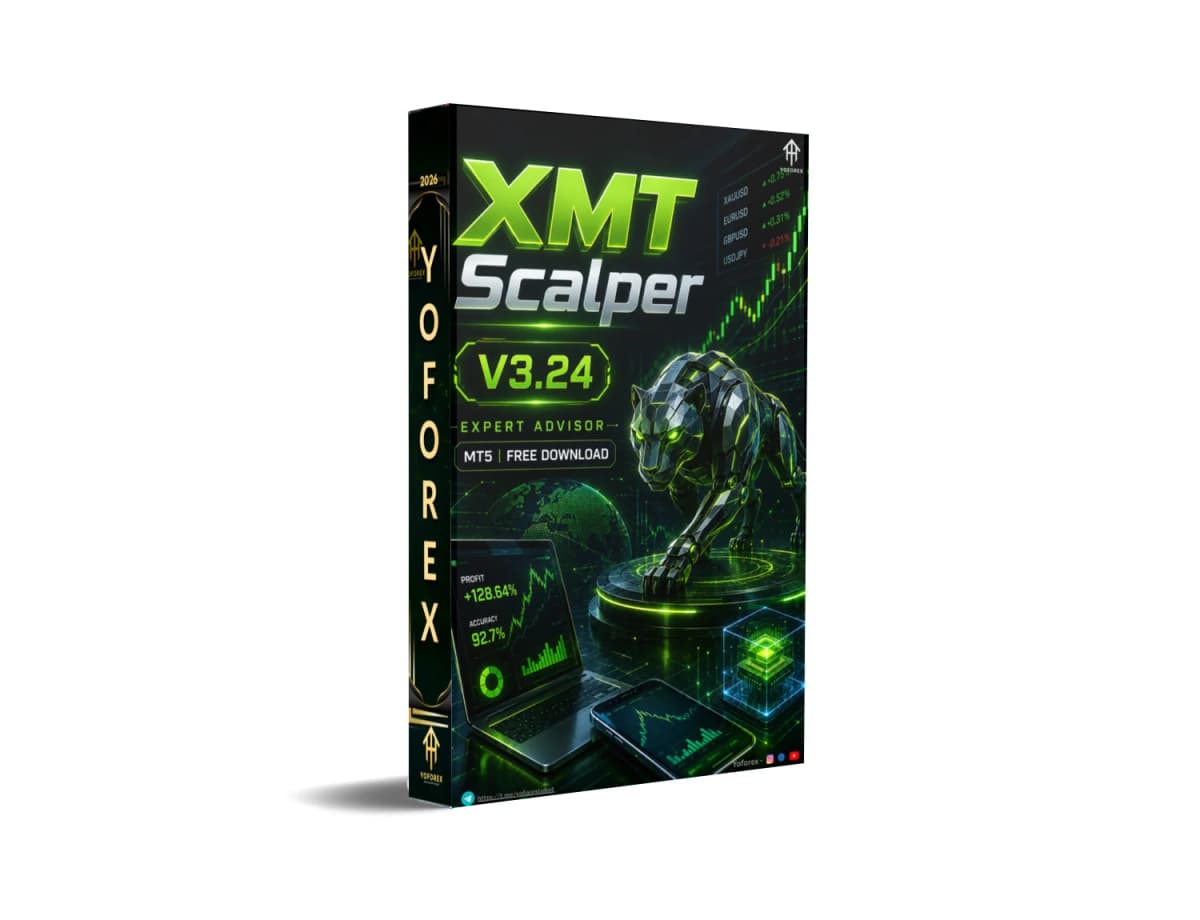
XMT Scalper EA V3.24 MT5: Automating Tick-Level Breakout Scalping Without the Screen Time
Manual scalping on low timeframes demands constant attention, lightning-fast decisions, and tolerance for tight spreads and execution noise. Most traders simply cannot sit in front of the charts all day. XMT Scalper EA V3.24 MT5 addresses that practical problem by automating a classic tick-based breakout approach on MetaTrader 5.
This article explains what the bot does, how its logic works, the features that matter in real trading, who should consider it, and the checks every buyer should make first.
What Is XMT Scalper EA V3.24 MT5?
XMT Scalper EA V3.24 MT5 is an Expert Advisor for the MetaTrader 5 platform. It belongs to the long-running XMT-Scalper family originally developed for MT4 as an enhanced, rewritten version of earlier commercial scalping ideas. The core idea remains the same: place pending buy-stop or sell-stop orders when price breaks out of a short-term volatility channel, then manage the resulting trade with defined risk parameters.
The V3.24 designation marks the MT5 adaptation available through sources such as Yoforex. It is built for traders who want automated, short-term trade capture rather than discretionary or longer-term systems.
How Does XMT Scalper EA V3.24 MT5 Work?
The process is straightforward and rule-based:
- The EA monitors price action and selected short-period indicators that form a volatility channel (classically Moving Averages, Bollinger Bands, or Envelopes).
- When a breakout condition is detected, it places a pending buy-stop above or sell-stop below the current price.
- Once the pending order is triggered, the position is managed with pre-set take-profit, stop-loss, and optional trailing logic.
- Virtual pending orders and virtual stops can keep order details off the broker’s server until needed.
- Filters for maximum spread, volatility limits, execution time, and slippage help avoid poor conditions.
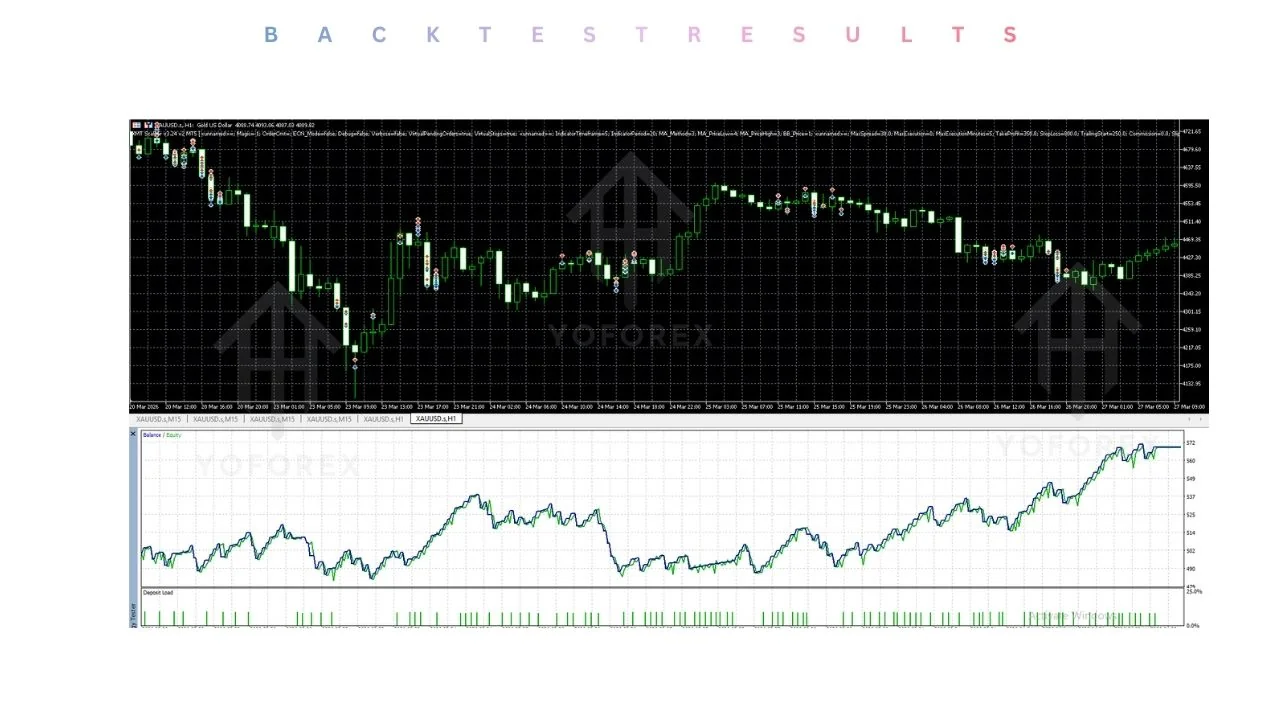
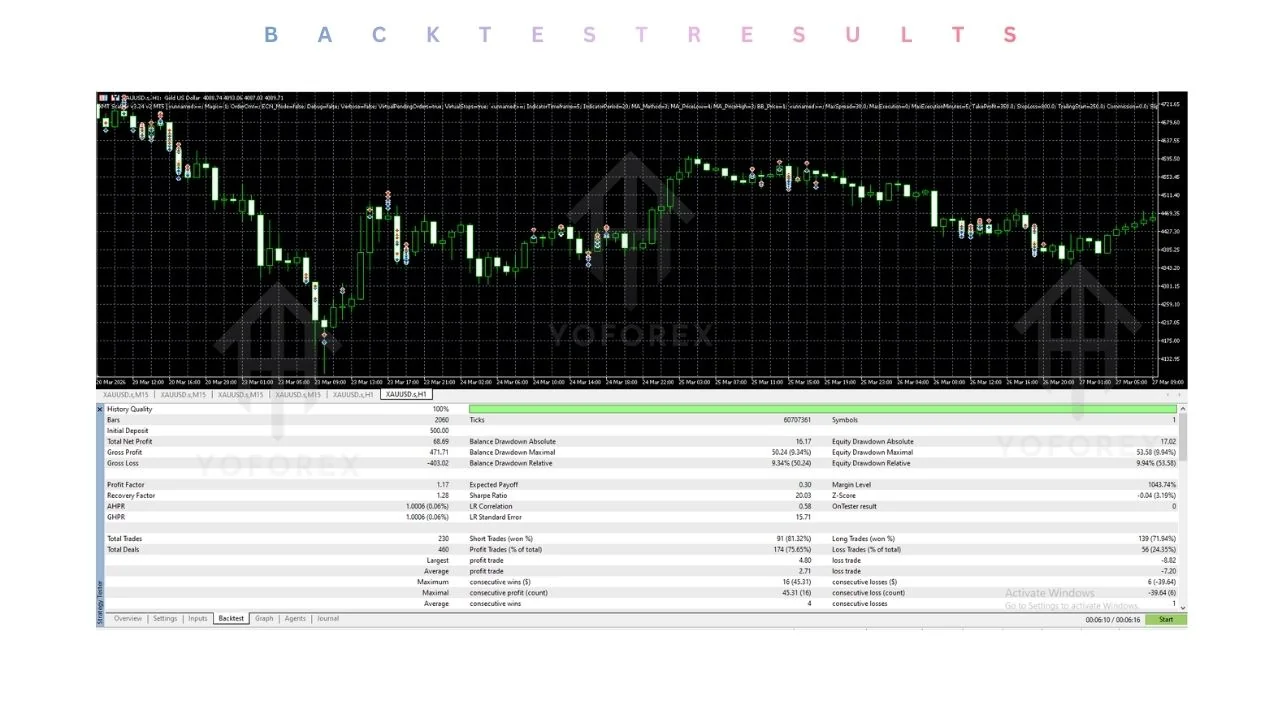
Because the strategy operates on a tick basis and targets small moves, results depend heavily on broker conditions. Default settings are not optimized. Proper backtesting with quality tick data and extended demo testing are essential before any live use.
Key Features
- Fully automated trading on MetaTrader 5
- Breakout-style pending order entries (buy-stop / sell-stop)
- Configurable take-profit and stop-loss
- Maximum spread filter
- Volatility-based entry filters and limits
- Optional trailing start
- Virtual pending orders and virtual stops
- ECN-mode support
- Magic number and order comment options
- Adjustable slippage and execution-time controls
Quick Features Table
| Feature | Details |
|---|---|
| Platform | MetaTrader 5 |
| Strategy | Tick-based breakout scalping |
| Trading Style | Scalping |
| Pairs | Any (best on high-volatility, low-spread) |
| Timeframe | Any (classically suited to M1) |
| Risk Management | Fixed/adjustable SL/TP + spread & volatility filters |
| Automation | Full (pending orders + trade management) |
| Best For | Low-spread ECN/raw accounts with VPS |
Main Benefits
Reduced screen time – Once settings are configured and the EA runs on a stable VPS, entries and exits happen without constant monitoring.
Consistent rule application – Removes the emotional hesitation common in fast manual scalping.
Condition filters – Spread, volatility, and execution filters help limit trading during unfavorable market states.
Parameter flexibility – Traders can adjust TP, SL, volatility thresholds, and order handling to match account size and risk tolerance.
ECN-friendly design – Virtual order handling and ECN mode support suit modern low-spread accounts.
These benefits appear only when the right infrastructure (broker + VPS) and realistic risk settings are used. Market regime, spread costs, and slippage still affect outcomes.
Who Is XMT Scalper EA V3.24 MT5 For?
- Intermediate or experienced traders who already understand scalping costs and execution quality
- Users comfortable with MetaTrader 5 and Expert Advisors
- Traders who can run a low-latency VPS and an ECN or raw-spread account that permits unrestricted scalping
- Those willing to optimize parameters and conduct thorough demo testing
- Algorithmic traders looking for a pure breakout-scalping engine rather than grid or martingale systems
Who Should Avoid It?
- Complete beginners with no experience testing EAs or managing spread-sensitive strategies
- Traders on standard accounts with wide spreads or brokers that restrict scalping
- Anyone expecting fully set-and-forget results without monitoring or occasional re-optimization
- Users unwilling to accept drawdown periods that scalping systems can produce
- Traders seeking swing or position-style systems
XMT Scalper EA V3.24 MT5 vs Manual Trading
| Aspect | XMT Scalper EA V3.24 MT5 | Manual Scalping |
|---|---|---|
| Reaction speed | Tick-level, automated | Limited by human attention |
| Emotional bias | None once running | High in fast markets |
| Monitoring needed | Low after proper setup | Continuous |
| Spread sensitivity | Critical (filters help but do not eliminate) | Same + personal discipline |
| Customization | Parameter-driven | Fully discretionary |
| Scalability | Multiple charts possible with care | Difficult across many instruments |
- Strategy fit – Confirm you are comfortable with pending-order breakout scalping and small profit targets.
- Risk settings – Review SL/TP distances and ensure they suit your account size.
- Drawdown tolerance – Scalping systems can experience consecutive losses.
- MT5 compatibility – Verify the file works with your current MetaTrader 5 build.
- Broker compatibility – Use an ECN/raw account that allows scalping, offers tight spreads, low stop levels, and minimal requotes or slippage.
- VPS – A reliable low-latency VPS is strongly recommended for continuous tick processing.
- Settings & testing – Defaults are rarely optimal; plan proper backtests and forward tests.
- Support & documentation – Check available set files, manuals, and seller support.
- Demo-first process – Always test under realistic spread and commission conditions before live capital.
How To Get Started
- Obtain the EA from a trusted source such as Yoforex.
- Place the file in the MetaTrader 5 Experts folder and refresh the Navigator.
- Attach it to a chart of your chosen pair and timeframe.
- Set magic number, risk-related inputs, spread filter, and volatility parameters.
- Run extensive backtests using high-quality tick data where possible.
- Move to a demo account with the exact broker and account type you plan to use live.
- Monitor results, refine filters if needed, and only consider live trading after consistent demo performance.
- Run on a VPS for 24/5 operation and keep position sizing conservative.
FAQs
What pairs work best with XMT Scalper EA V3.24 MT5?
Any pair is technically possible. Historically the logic performs better on high-volatility, low-spread instruments during active sessions. Always test on your specific broker data.
Does it require a VPS?
Yes. Reliable tick processing and continuous operation make a quality low-latency VPS strongly advisable.
Can beginners use this EA? It is better suited to traders who already understand scalping costs, execution quality, and the need for testing. Beginners should gain experience with simpler systems first.
Is optimization necessary? Yes. Default settings are generally not optimized for current market conditions or individual broker environments.
What account type is recommended?
ECN or raw-spread accounts that allow unrestricted scalping and provide tight spreads with fast execution.
Does the EA use martingale or grid?
The classic XMT-Scalper approach focuses on individual breakout trades with fixed or trailing exits rather than recovery multipliers or grids. Confirm the exact behavior of the V3.24 version in its documentation.
How important is the spread filter?
Very important. Scalping profits are easily eroded by high spreads or commissions.
Where can I find support or documentation?
Check the product page and resources on the platform where you obtain the EA, such as Yoforex.
CONCLUSION
XMT Scalper EA V3.24 MT5 provides a structured way to automate classic tick-based breakout scalping on MetaTrader 5. It solves the real problem of needing constant attention for short-term trades, provided the trader supplies the right broker conditions, a stable VPS, and realistic expectations around testing and risk.
If the strategy logic, filter set, and preparation requirements match your approach, the practical next step is to review the full details, available files, and installation guidance at Yoforex. Test thoroughly on demo under realistic conditions before any live capital is involved. Proper preparation remains the key difference between a useful automation tool and an expensive lesson.
REFERRAL
Join the VIP Signals Telegram Channel for real-time expert trading signals and stay ahead in the forex market. Get personalized strategies by becoming a part of our Real Account Management Telegram Channel and optimize your trading experience. If you’re aiming to Pass PropFirm Challenges , join our dedicated channel for tips and proven methods. Start managing your capital effectively with expert advice from our Funded Account Management Telegram Channel. For advanced traders, our HFT EA / Passing Telegram Channel offers high-frequency trading insights and strategies to boost your performance.
Free Trading Tools
Download Expert Advisors & Indicators
Write for Us
Share your expertise with our community
Download Available
Get this trading tool for free